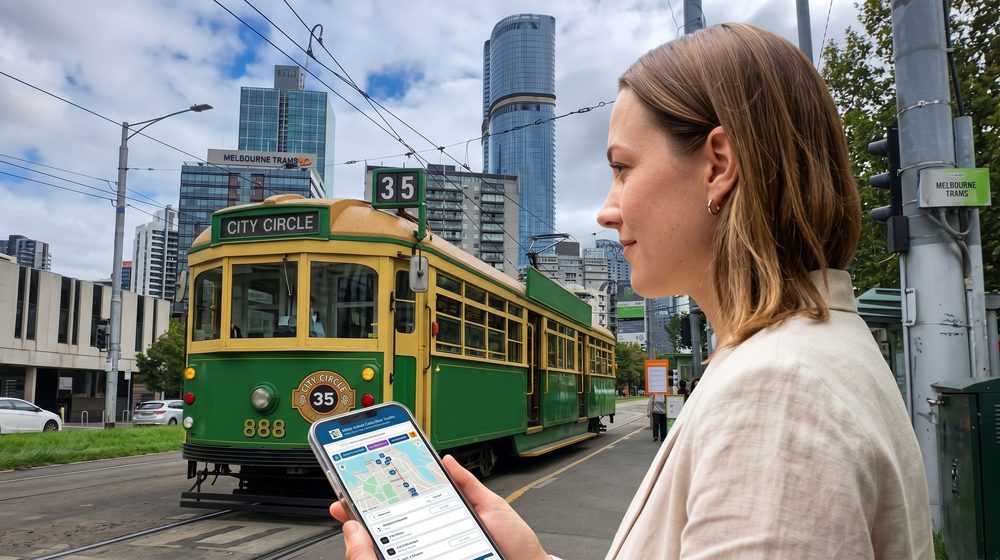
Allow GPS access in your browser. When you press Start Audio Tour, the browser will ask for location permission — tap Allow. Without GPS the guide cannot detect which place you are passing.
Set your screen to never sleep.iPhone: Settings → Display & Brightness → Auto-Lock → Never. Android: Settings → Display → Screen timeout → longest option.
Use headphones (wired or Bluetooth) so you hear the commentary clearly over tram and street noise.
Sit by a window for the best GPS signal and the best view of each place as it is announced.
📍 On the tram
GUIDE is ON by default (lit button) — commentary plays automatically as the tram passes each place. You can switch to manual mode any time:
Press Start Audio Tour and board the City Circle tram (route 35). All 32 places are shown as numbered pins on the map.
With GUIDE ON, each place is narrated automatically as you pass — with the side it is on ("on your left" / "on your right"). Visited cards move to the bottom.
Tap GUIDE to turn auto-play off — then tap ▶ Listen on any card to play that place manually.
🔴 Reset (red R button, top-left next to the day/night toggle): the guide remembers which places you have already heard on this phone — even the next day — and does not repeat them. If the tram passes a place and the guide stays silent, that is why. Tap the red R to erase that history and hear the whole loop again from the start — for a second ride, or another day. Works in the full version of the guide.
ℹ Additional information
The City Circle tram is free. It runs clockwise around the CBD and Docklands, 9:30–17:00, about every 12 minutes. No service on Good Friday and Christmas Day.
Hop on and off anywhere in the Free Tram Zone — the guide picks up the story wherever you board.
This is a browser-based web guide — no app download required.
Mobile data required to stream audio. Keep this tab in the foreground — switching apps may reload and restart the guide.
Manual controls: tap a pin on the map to jump that place to the top of the list. Tap Navigate for Google Maps directions. Use SORT BY DISTANCE / NUMBER to switch order. Tap the compass icon to toggle North Up / Heading Up. Tap the ☾ (moon) button, top-left, to switch between day and night mode.
🗺️ Map controls: tap the compass icon to switch North Up / Heading Up — Heading Up turns the map with you and tilts the view like a car navigator. Two-finger gestures are enabled: twist to turn the map, slide both fingers up or down to tilt, pinch two fingers together to zoom out or spread them apart to zoom in. On a computer hold Ctrl and drag; + / − to zoom. Tap any pin to bring that place’s card to the top of the list.
⚠ Do not reload this page during the ride — reloading resets progress.