
New South Wales audio guides
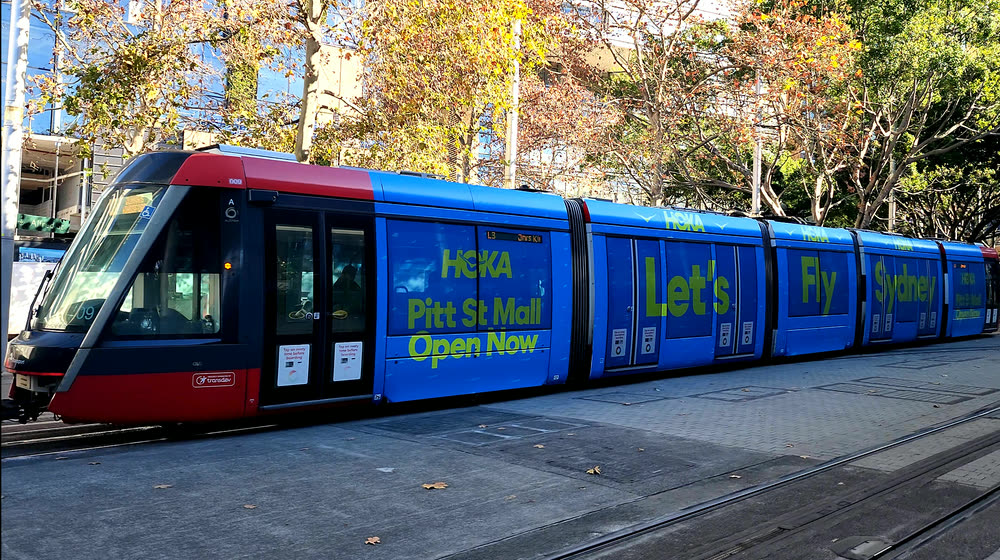
Sydney Light Rail — the tram tells you the city
Ride the L2 or L3 and the guide talks between the stops: what is outside the window right now, which stop is next and what is worth getting off for. A podcast fills the gaps, so the ride is never silent. Nothing to pay and nothing to install — open it as you board.
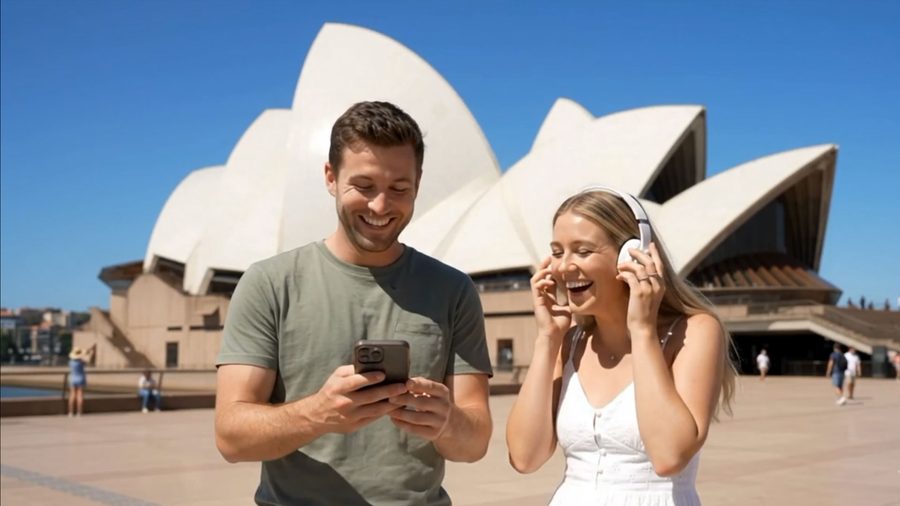
On foot or on a bike
The city guide at walking pace: the list of what is around you re-orders itself as you move, the nearest story starts on its own, and the map turns to face the way you are heading. Cycling works the same — the guide notices you are moving faster and widens what it looks for.
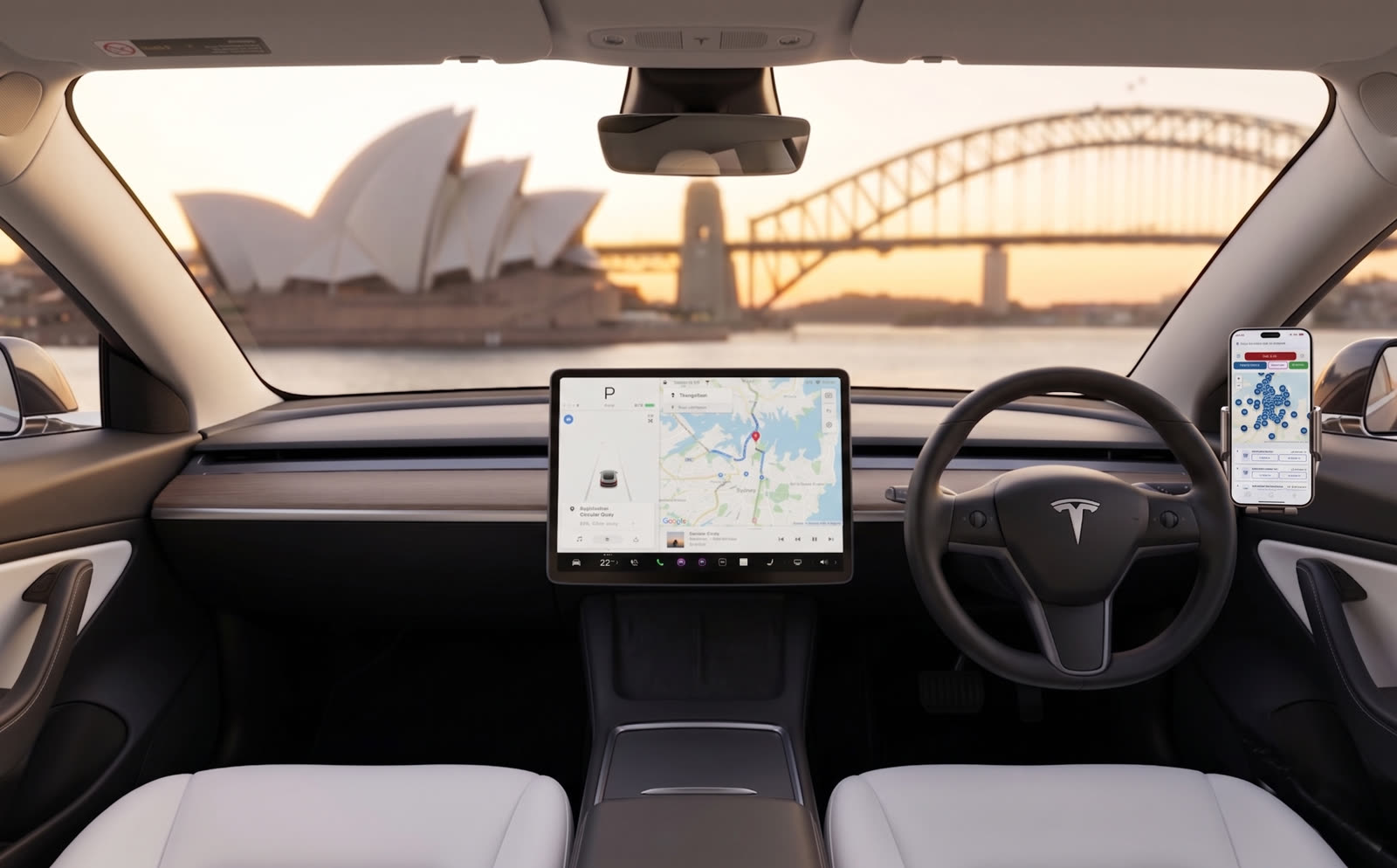
By car — the same guide, at road speed
It is one guide, not a separate product: at driving speed it looks further ahead and tells you which side to look. Start it while parked, put the phone in its cradle and pair the audio to the car speakers — the driver never needs to touch the screen again.
New: in the app the buttons on your steering wheel work over Bluetooth, like a music player — play and pause stop the story and bring it back, next and previous move a paragraph, and the car screen shows what is being told.

Blue Mountains — the world’s first self-drive audio guide
The mountains on your own wheels, two hours from Sydney: lookouts over the Grose Valley, waterfalls, the old villages and the stories of the road. There is no route to follow — pick what you like from the list or the map, drive as you please, and the story of each place begins on its own as you reach it. Between the places the Blue Mountains podcast keeps you company, and every card opens the navigation to the place in one tap. In the app the buttons on your steering wheel pause it and bring it back over Bluetooth. In English and in Russian.
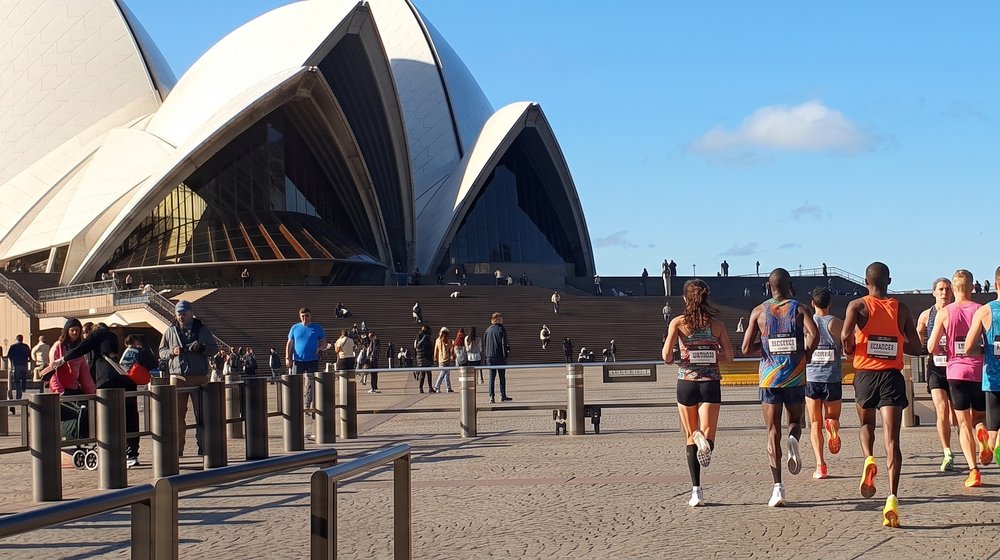
Sydney Marathon 2026 Guide
Want to see Sydney along the route the runners take? Here is the app for it — an independent guide that follows the course of Sydney’s 2026 city marathon. The course loads on the map the moment the guide opens — runners can use it as their course map, free and with no time limit. The attractions along the course are narrated automatically as you pass them.
* The course map is free without limits. The free audio covers 5 attractions and 5 minutes of the podcast; the full audio unlocks from A$35. Independent — not affiliated with the event, its organisers or sponsors.
Your Sydney guide knows
which way to look
An audio guide you open from one link — nothing to download — that works like an app: it analyses your movement speed (walking, cycling or driving) and adapts when it speaks, knows where each landmark sits, and tells you which way to look — voiced in a digital Australian voice chosen for how easily visitors understand it, so it sounds like someone talking to you rather than a machine reading. 180 Sydney attractions in a self-guided audio tour, narrated automatically as you pass them. Wherever you are in Sydney, the tour starts where you stand: no meeting point, no start time, the nearest story first. By Andrew Sorokin, Sydney guide since 2006.


Why Our Audio Guide Is Different
Open a link, press two buttons, and you’re touring.
Want Google Maps on screen, or the phone in your pocket? Add the app — under 5 MB.
A self-guided Sydney audio tour that opens in your browser — nothing to download to start — and narrates 180+ attractions automatically, telling you which way to look. Open the link on any device and forget about it. A non-stop Australia podcast plays between landmarks, with direction-aware narration ("look on your right" / "look on your left") when you approach each attraction. Like having a 20-year Sydney guide riding next to you. Press Start Tour — GPS activates, Guide Mode turns on automatically, and the Attractions Groups picker opens. Tick your interests (Historical, Nature & Beach, Shopping, Wildlife, Photo), press Done — and drive, cycle or ride a bus. No silence, no boredom, no fumbling for an app the entire ride.
There are exactly two things a browser tab cannot do: stay awake once the screen locks, and keep talking while Google Maps is navigating on top of it. For those we made a companion app — under 5 MB, downloads in seconds, no account and no subscription. Everything you buy works in both; the app only adds the pocket and the dashboard. Start in the browser, add it later if you want it — or never.
Why riders never get bored on the entire ride:
| Old GPS guides (competitors) | Our audio tour |
|---|---|
| App Store download & sign-up required | Open one link in any browser — no account. The app is optional and under 5 MB |
| Fixed trigger radius regardless of speed | Speed-adaptive zone — tight for walkers, wide for drivers |
| "Attraction ahead" | "Look on your right" / "your left" |
| Crude radius-only GPS trigger | Path projection + bearing detection |
| Static North-Up map | Heading-Up rotating map — left on map is your left |
Questions & Answers
iPhone — Settings → Display & Brightness → Auto-Lock → Never.
Android — Settings → Display → Screen timeout (on Samsung/Xiaomi/Huawei it may be called Sleep or Screen off) → choose the longest option (usually 30 minutes; Android does not offer “Never”). Plug the phone into a car charger and keep the tour tab in the foreground.
How this compares with other audio guides →
The well-known platforms are excellent at what they do — the comparison is about what a guide built for moving through a city can do that a library of recorded walks cannot. See twelve platforms side by side: coverage, hours of audio, install size and what plays with the screen off →